The short version
- Start with fixed dates, then fill the gaps.
- Collect photos before you write anything.
- Plan about three quarters and leave the rest for news.
Minutes 0 to 10: mark the dates
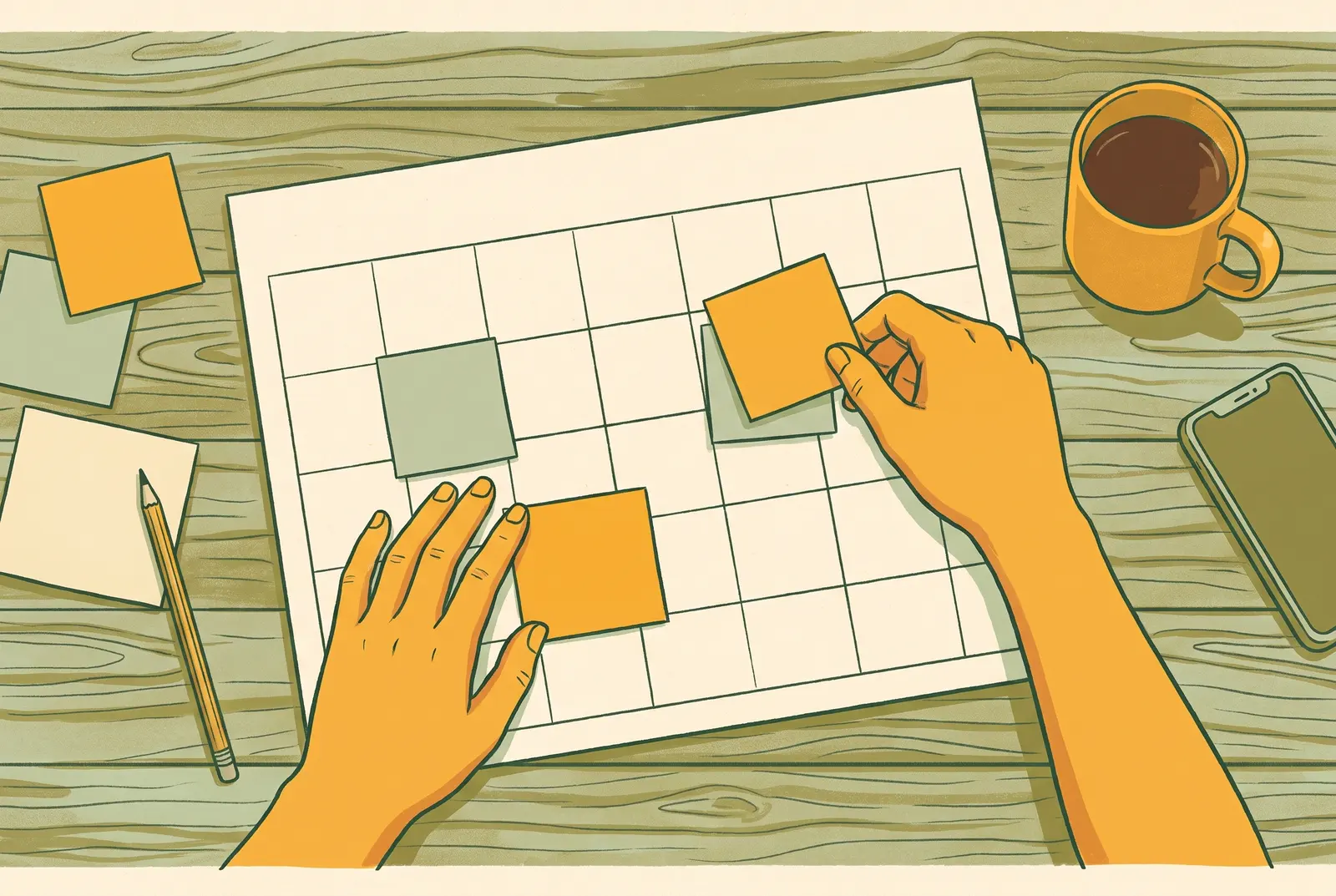
Open a blank month. Add holiday hours, events, booking windows, launches and anything seasonal. Put each post a week or so ahead of the date it’s about. Our 2027 content calendar lists the national dates.
Minutes 10 to 25: gather photos
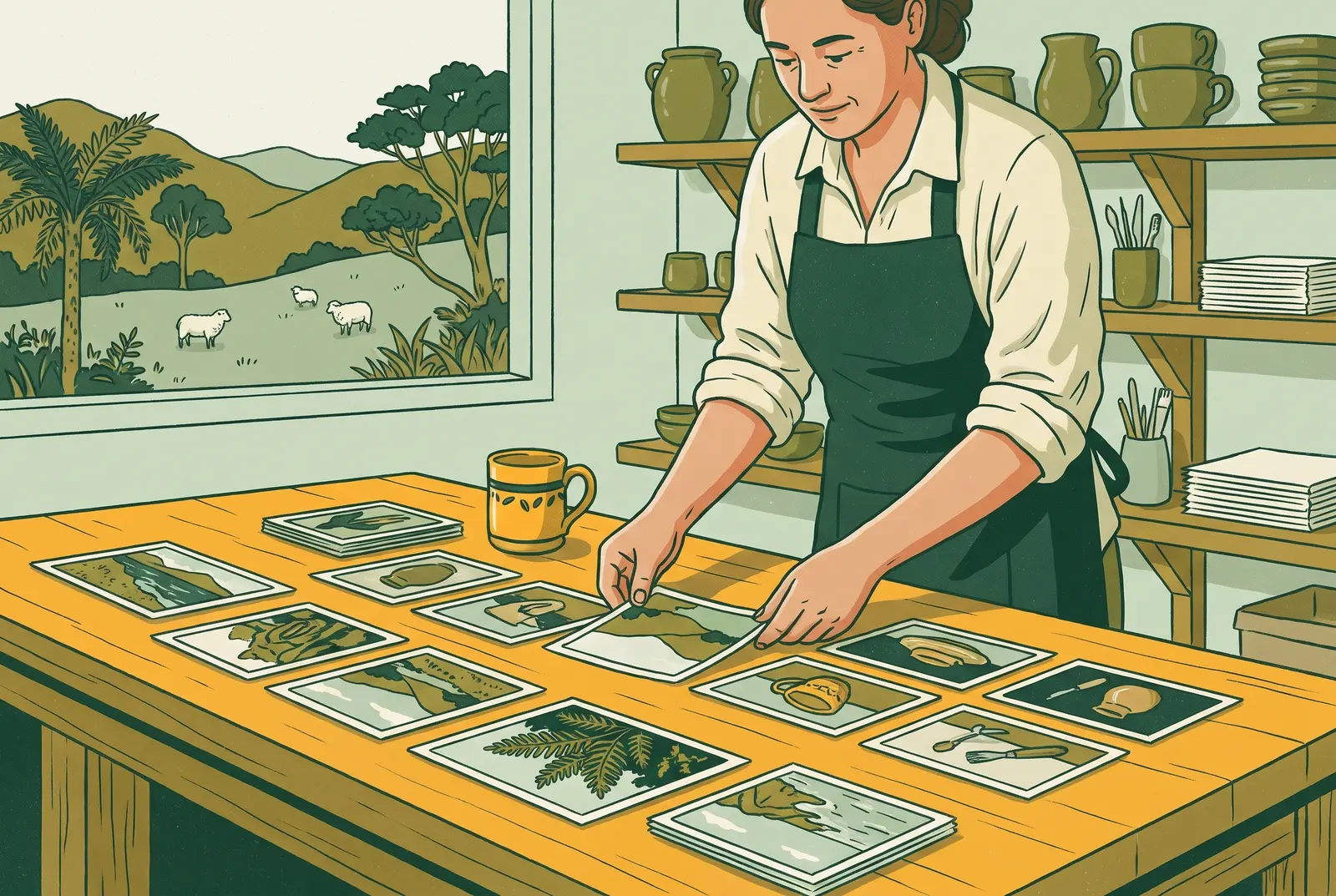
Scroll back through your phone and pull the best shots into one album. Note which are yours, which need someone’s permission and which gaps need a new photo. Posts planned around real photos are much easier to write.
Minutes 25 to 40: give each week a job
| Week | Job | Example |
|---|---|---|
| 1 | Show | A finished job or new product |
| 2 | Help | Answer a question you keep getting |
| 3 | Introduce | A person, supplier or how it’s made |
| 4 | Invite | Bookings, an event or an offer |
If you post twice a week, run two jobs a week and repeat the cycle.
Minutes 40 to 60: draft
Write rough captions in one go. One point each. Don’t polish: fix them the day they go out, when you know the details still hold. If you use a scheduling tool, check scheduled posts whenever your plans change.
Want these made for you?
We write and design posts in your own brand. First month free for our first 25 members.
Claim your free month