Everything it does, shown with real posts.
Every example on this page is a real post made for a real business. Tap any image to see it full size.
Your brand profile
The details a good designer would ask for on day one, saved in one place. Every post and image is made from it, so you never explain your business twice.
- Your logo, used as a reference for every image
- Your colours and fonts
- Your voice, described in your own words
- Your website, location and key facts, so posts get the details right

Posts that sound like you
Say what’s on in plain words, or just ask for your next post. It already knows your voice, so the request can be as short as the one on the left.
- Remembers what you’ve posted, so it doesn’t keep repeating the same idea
- Hashtags picked for each post and rotated, not the same block every time
- Mention something worth keeping and it offers to save it to your brand notes
- Ask for it shorter, funnier or for a different platform and it rewrites it
Images that match
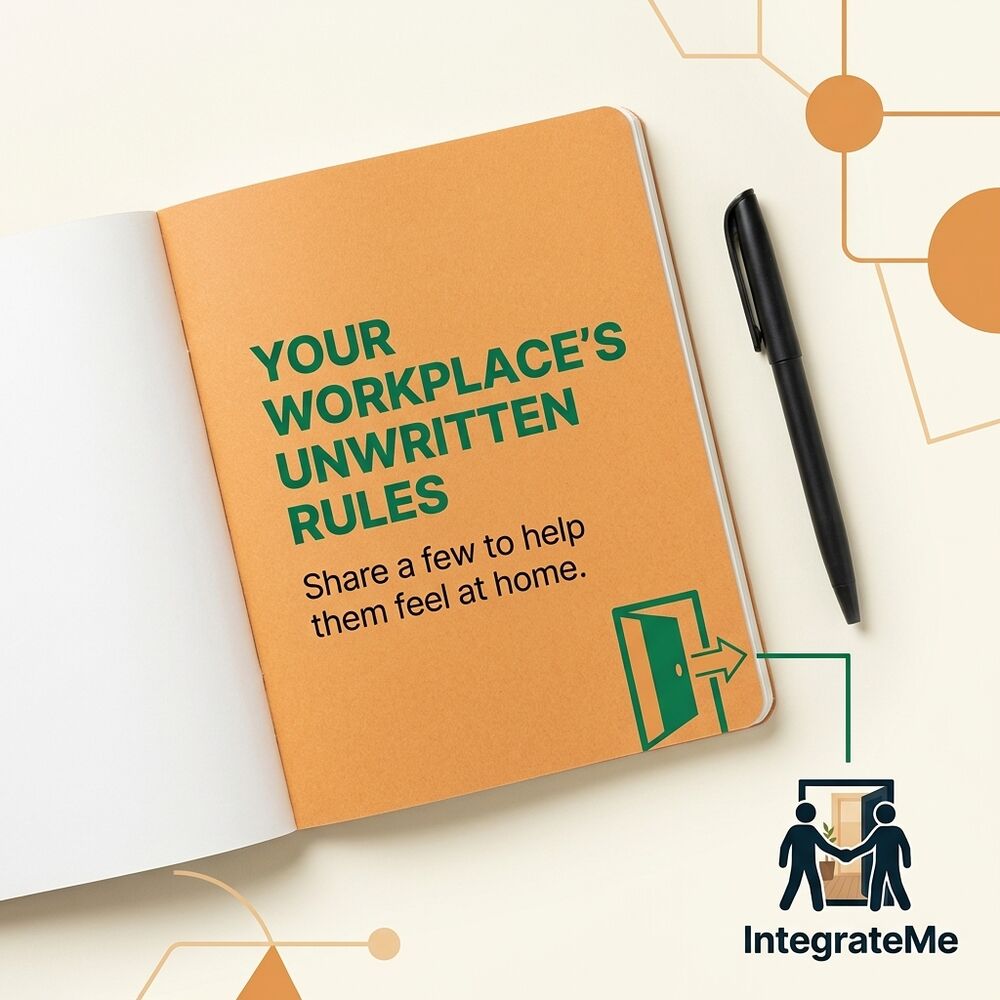
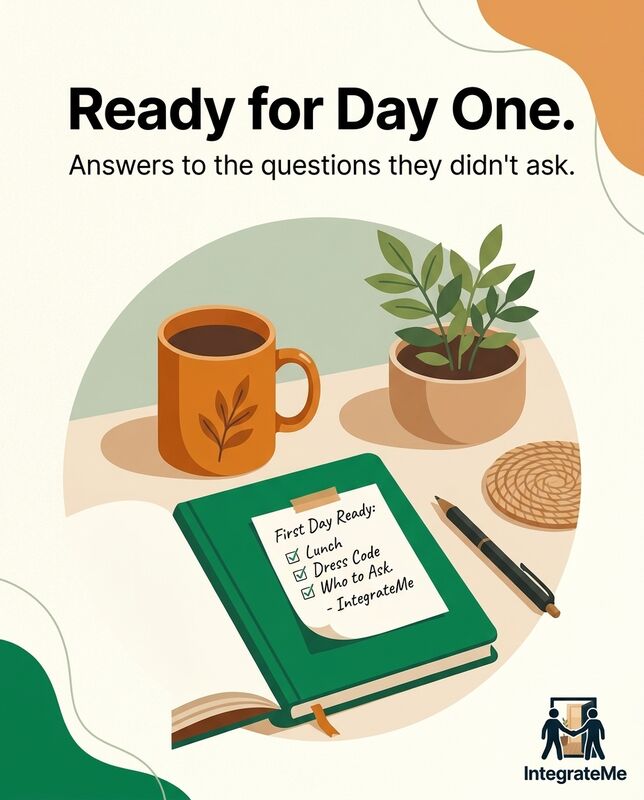
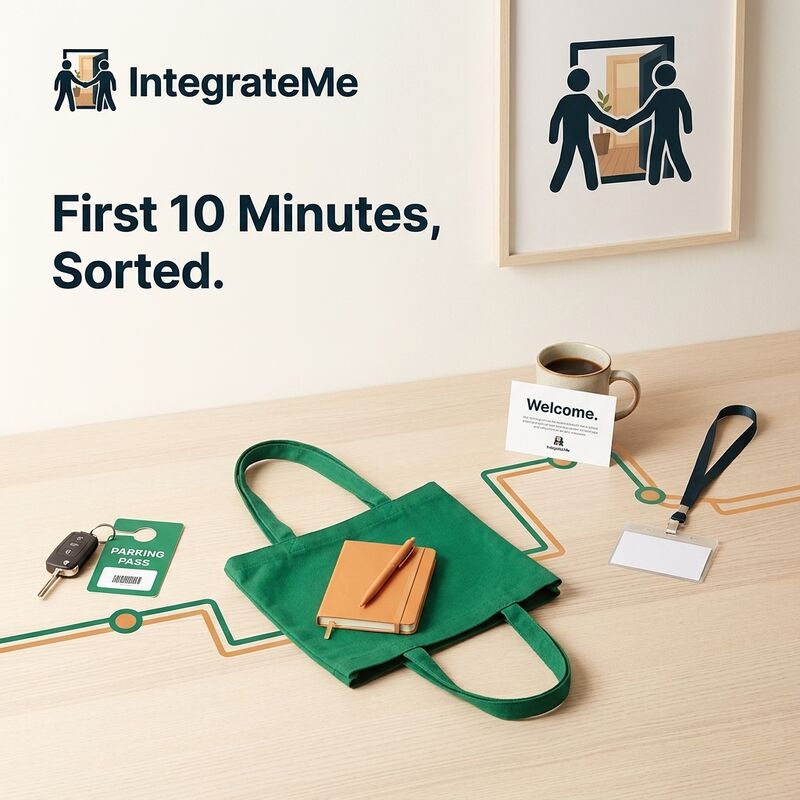
Every post has a Make image button. The picture comes back in your colours, with your logo as a reference, so your feed looks like one business instead of a stock library.
- Sized for where you’re posting: square, portrait, story or banner
- Try again for a fresh take, or Change… to tweak just one thing
- No made-up people, and no fake screenshots of your product
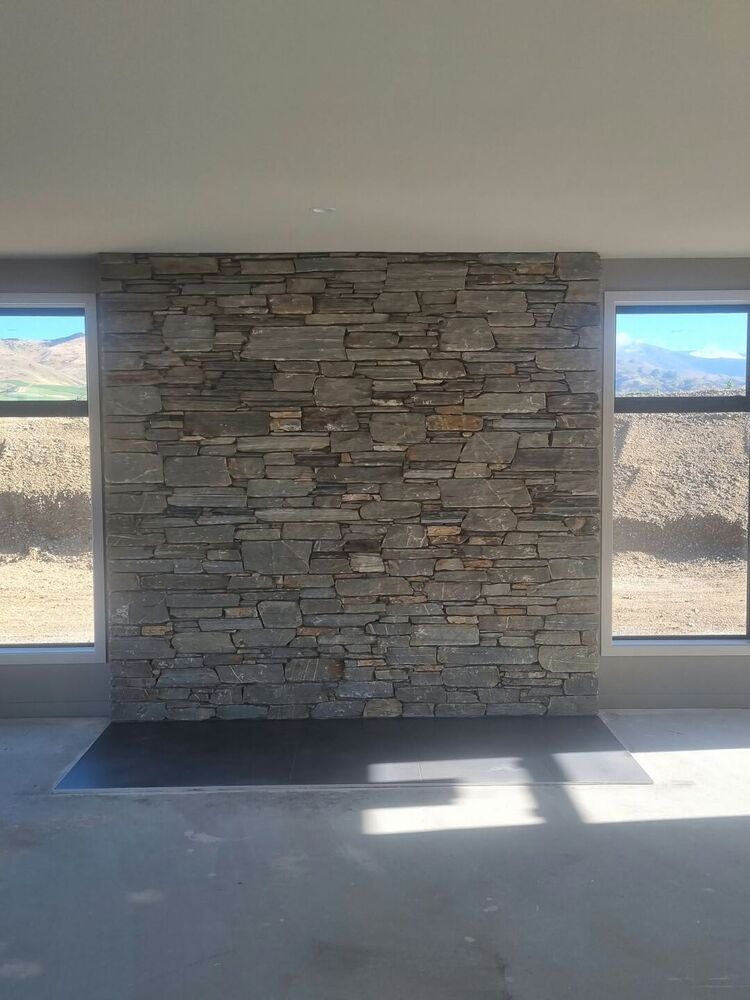 Garrett’s photo
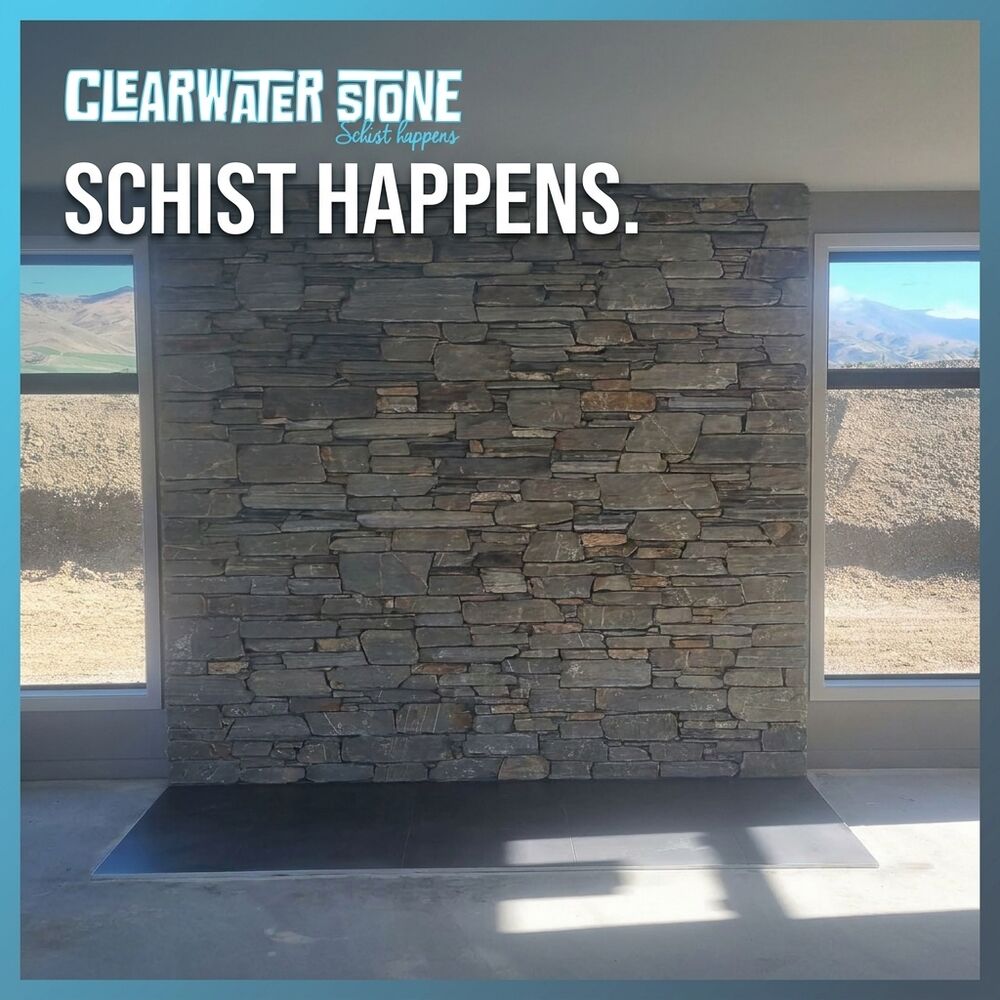 The post
Your own photos, designed
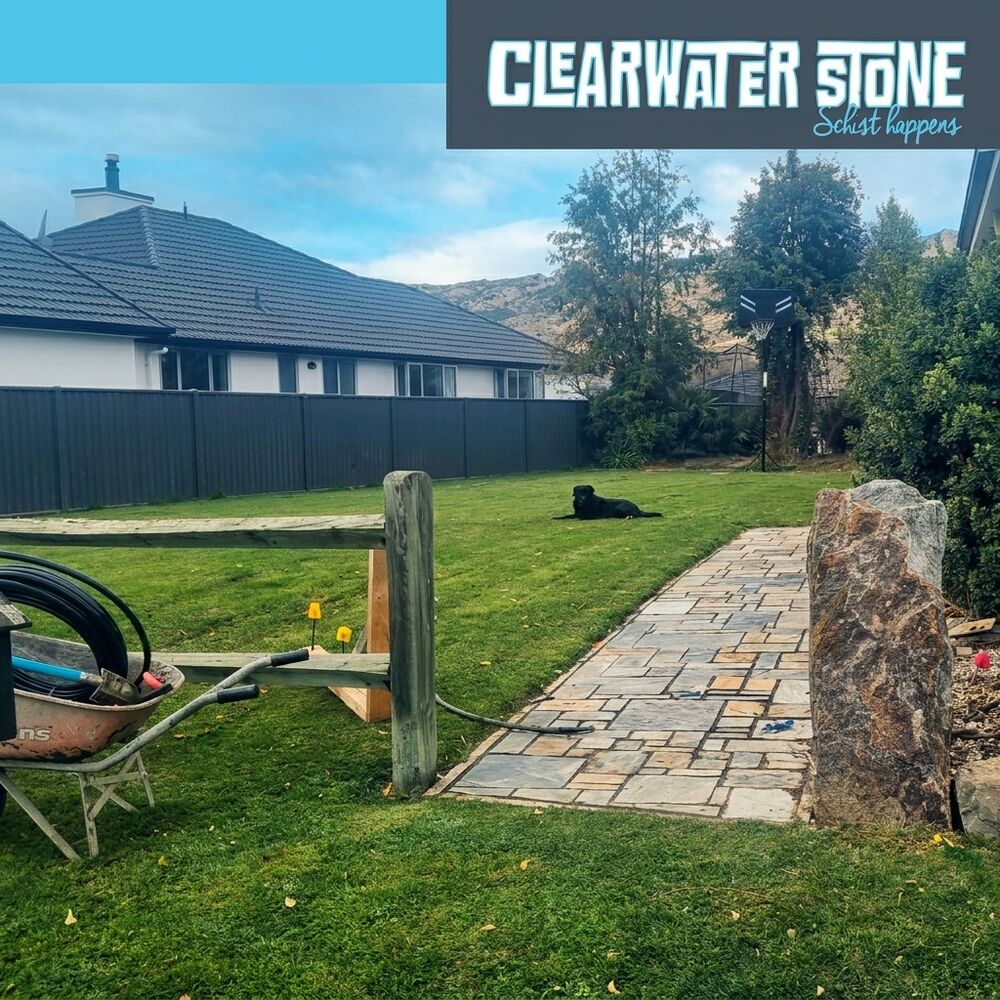
Upload photos of your work, a whole folder at a time if you like. It labels them for you and suggests the right one for each post.
- With my photo designs the post around your photo and leaves what’s in it exactly as you shot it
- Get creative turns it into a bolder idea, like a poster or a print
- Or post the photo as it is, with no design at all
Garrett at Clearwater Stone only shows stone he actually laid, so every one of his posts starts from his own site photos.
Reels from your clips
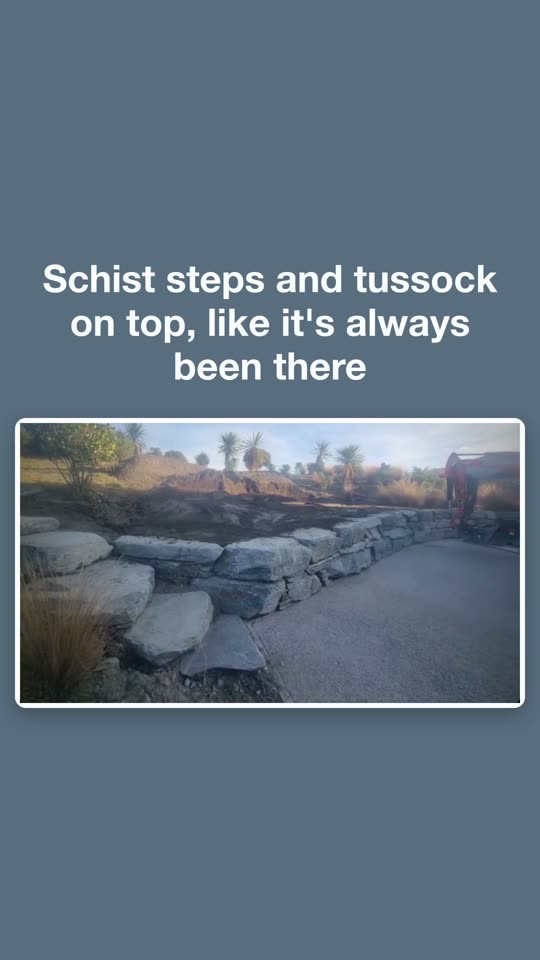
Upload a few short videos of your work and get a vertical reel: an opening line, your clips with captions in your fonts, and your real logo and website at the end.
- Built from your own footage, so it shows what you actually do
- A slideshow reel of text cards in your colours, for when words matter more
- Add music in Instagram or TikTok when you post it

Your posts, ready on one page
New posts wait for you on your own private page. Open it on your phone, copy the words, save the image or reel, and post.
- An email lets you know when new posts are ready, with a button that signs you straight in
- Mark each one as posted or not using it, so you always know what’s left
- Works on any phone or computer, nothing to install
See it work with your brand.
Tell us a bit about your business and we’ll take it from there.